Relief for Apple Watch
Track a migraine without picking up your phone.
During a migraine, a bright phone screen is often the last thing you want. Relief puts the whole attack on your wrist.

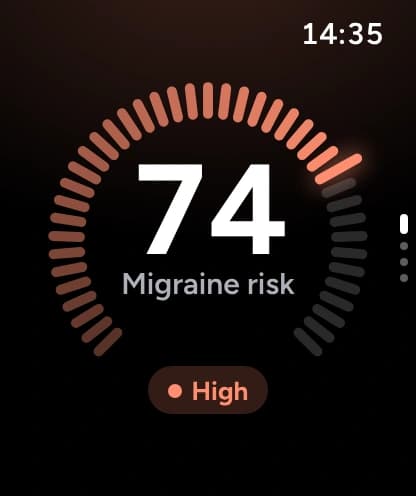
Start in one press
The control in Control Center and the Smart Stack, or the Action button on Apple Watch Ultra, starts tracking early signs without opening the app.
The control before and after one press
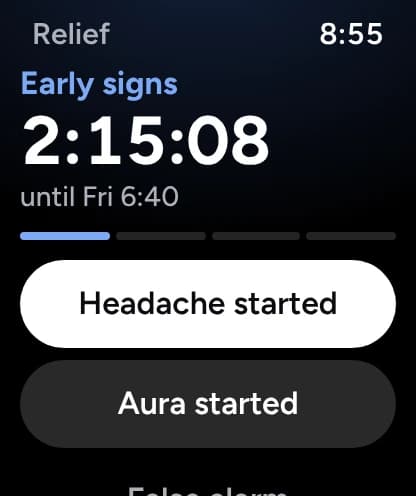
Stage by stage
Each stage has its own screen and timer. Set the pain level and where it hurts in a tap, undo for 10 seconds, and double tap to press the main button, such as Headache ended.
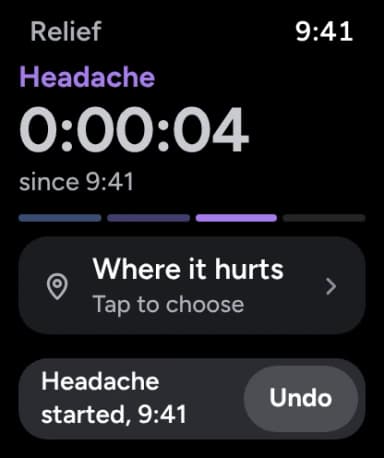
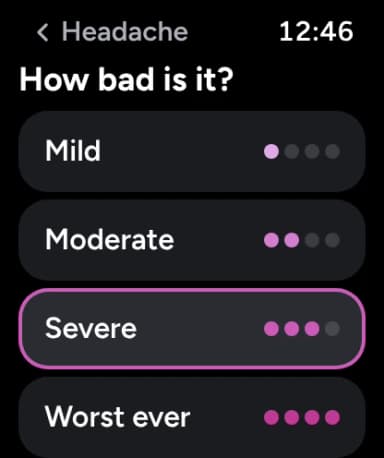
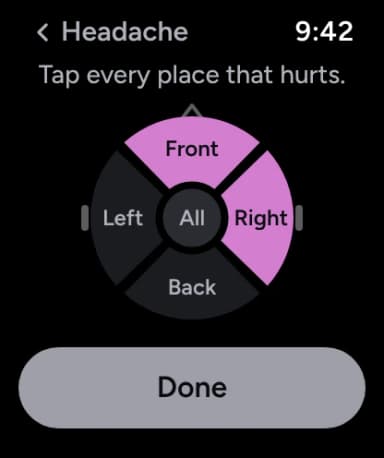
Dark and still when it hurts
Aura and headache screens don’t glow or move; only the timer does. Always On can hide the stage and the score.
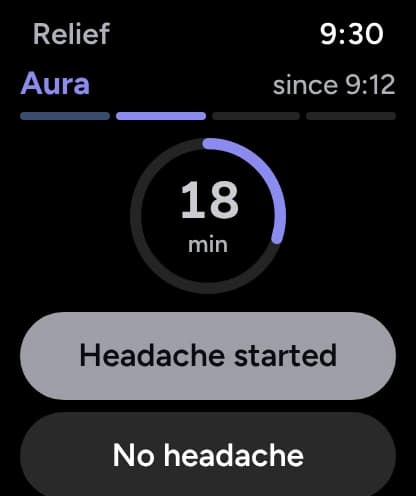
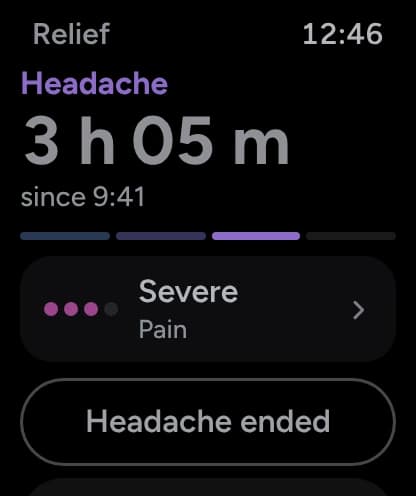
Medicine against your plan
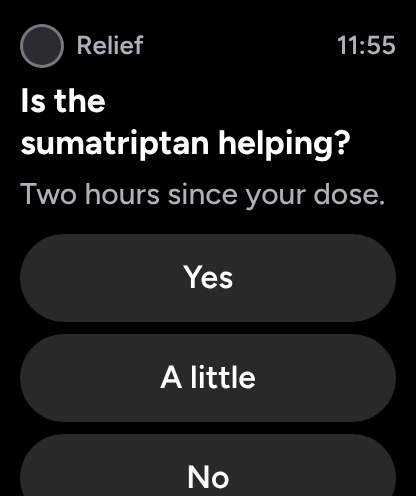
Each dose is checked against your plan’s minimum gap and 24-hour limit. Two hours later, a notification asks whether it helped.
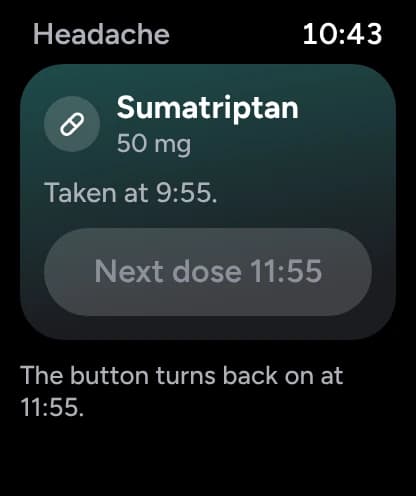
Today’s risk at a glance
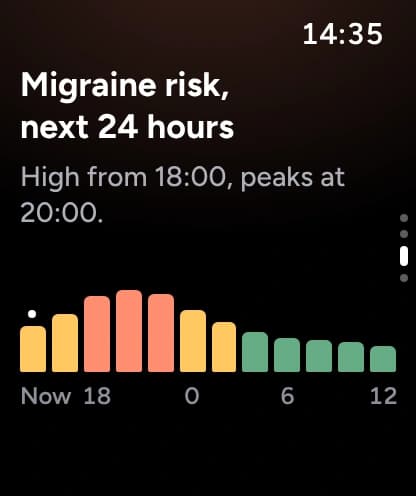
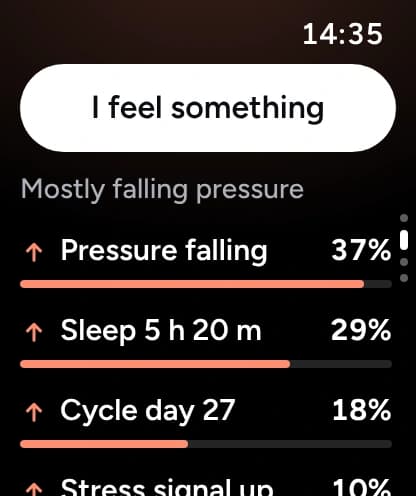
Risk and Tonight cards in the Smart Stack on higher-risk days, the next 24 hours and Why this score in the app, and your score on the watch face.
Before you start
Without your iPhone
Tracking and doses save on the watch and sync when your iPhone is back.
For everyone
VoiceOver on every control, text up to 140%, Increase Contrast and Reduce Motion, in every language the app supports.
What you need
- Apple Watch Series 9 or later, Ultra 2 or later, or SE 3, on watchOS 27
- An iPhone on iOS 27 with Relief 2.3
Tracking is free; the forecast comes with Premium.
What’s free, and what Premium addsPut the whole attack on your wrist.
4.5on the App Store
100K+people use Relief