Best Medication Tracker App for iPhone: 7 Picks
Compare the best medication tracker app for iPhone options by reminders, privacy, Apple Watch support, pricing, and migraine-friendly features.
In this guide
Apple Health is the most basic choice for iPhone and Apple Watch medication reminders, while Relief is the stronger fit when you want medication logs connected to migraine-risk forecasting, trigger patterns, and attack tracking. The right answer depends on whether your priority is adherence or deeper migraine insight.
You may already be exhausted from remembering schedules while dealing with brain fog, prodrome, or the first signs of an approaching attack. Medication tracking answers a narrow question, such as whether you took a scheduled dose. Migraine tracking goes further by recording pain, aura, nausea, photophobia, triggers, environmental conditions, and the stages of an attack.
That distinction matters. A reminder can help you record medication behavior, but it can't explain every migraine pattern or replace a clinician's assessment. This article compares seven iPhone tools through a migraine-management lens, including reminder flexibility, logging depth, Apple Health and Apple Watch integration, privacy, complexity, and usefulness during a healthcare visit.
This article is for informational purposes and is not medical advice. Consult a healthcare provider for personalized guidance.
1. Relief
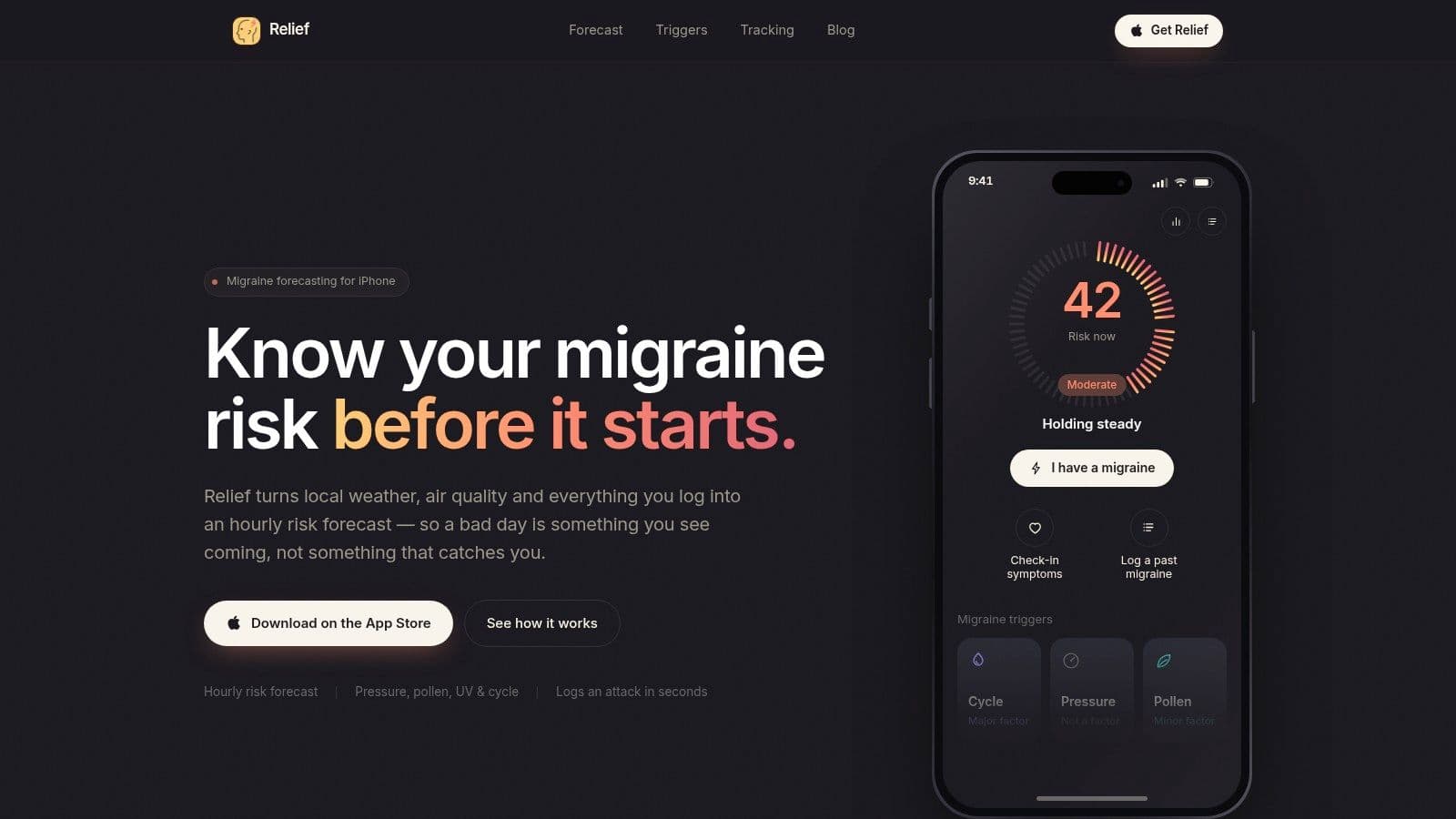
Relief is the most migraine-specific option in this comparison. It combines medication logging with attack tracking and an hour-by-hour “migraine weather” forecast, using local weather, air quality, pollen, and your own recorded patterns to estimate when risk may be higher.
The forecast considers pressure, temperature, humidity, wind, available air-quality information, and pollen. With permission, it can also use personal signals such as menstrual-cycle information, sleep, and heart-rate data from Apple Health. The result is a single risk score for each hour, together with a three-day outlook that presents risk in a familiar weather-report format.
Best for connecting medication logs with migraine patterns
Logging an attack is designed to be quick. You can record severity, symptoms, triggers, and medications, with medication doses carried alongside the relevant entry. Relief also supports prodrome tracking, which can help you record early signs before the pain phase becomes dominant.
That broader context is valuable because medication adherence and migraine management aren't the same task. A basic tracker can tell you whether a dose was marked as taken. Relief can help you place that medication record beside symptoms, sleep, weather, stress, and environmental exposure, giving you more useful material to discuss at an appointment.
Practical rule: Use the medication record to document what happened, and use the migraine diary to look for patterns. Don't treat a forecast as proof that an attack will occur.
Relief highlights which factors appear major, minor, or unrelated for you. Its analytics include migraine-free streaks, total migraine hours, average attack time, severity trends, and exposure hit rates. A population-baseline model provides an initial forecast, while personalization begins after roughly 10 logged attacks and shifts more heavily toward your own history around 30 attacks, according to the product information supplied for this comparison.
The trade-off is probabilistic forecasting
Relief isn't a medical device and hasn't undergone clinical validation. Its predictions can produce false alarms or miss an attack, particularly when it has limited personal history. Air-quality information also depends on regional monitoring coverage, so some pollutant data may be estimated or unavailable.
Privacy is a central part of the design. Personalization runs on-device, and identifiable health data doesn't leave your iPhone, although you should still review the app's current privacy terms before enabling Apple Health permissions. Relief is available for iOS only, and pricing details aren't listed on its website, so check the current Relief App Store listing for cost or in-app purchase information.
For a migraine sufferer who wants medication logging alongside trigger analysis and forward planning, Relief is the strongest fit. It isn't the simplest pill reminder, but it addresses the question a conventional reminder app often leaves unanswered: what might be contributing to the next attack?
2. Apple Health Medications
If you want the least complicated way to start, Apple Health's built-in Medications feature is the logical first test. It lives inside the iPhone Health app and connects closely with Apple Watch, so you don't need to build a separate medication system from scratch.
Apple lets you add medications, vitamins, and supplements, create schedules, receive reminders, and use follow-up nudges. On supported devices in the United States, you can scan prescription labels with the camera and receive medication-interaction alerts. Availability of those features varies by region, so confirm what your device supports in Apple's Medications guidance.
Best for low-friction adherence tracking
The main advantage is ecosystem fit. A reminder can reach you on your iPhone and Apple Watch, and dose history remains within the Health framework. That makes Apple Health particularly suitable if your main problem is remembering a scheduled medication rather than understanding complex migraine triggers.
Its limitation is scope. Apple Health records medication activity, but it isn't designed around migraine phases, trigger discovery, attack forecasting, or detailed symptom journaling. You may need a separate migraine diary if you want to record aura, photophobia, nausea, sleep disruption, environmental exposure, or postdrome, the recovery period after an attack.
Privacy-conscious users should also review how permissions work before connecting other apps or devices. You can read Relief's privacy information as a useful comparison point, but Apple's Health permissions and each third-party app's policy still require separate review.
Apple Health is the best basic choice for iPhone and Apple Watch users who value simple reminders, native integration, and minimal setup. It becomes less suitable when your goal shifts from “Did I take it?” to “What was happening around this migraine, and what should I bring to my next appointment?”
3. Medisafe
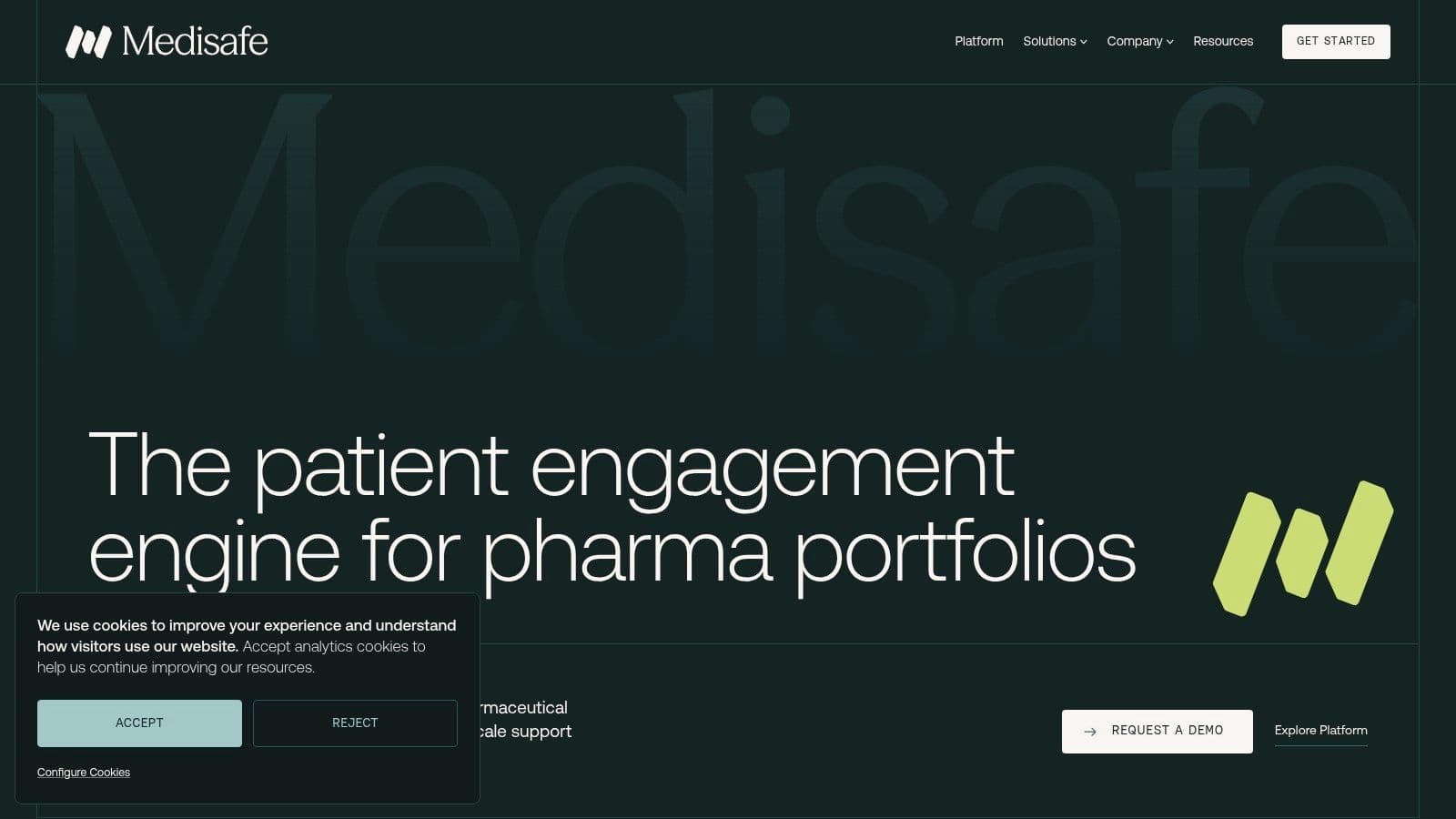
Medisafe is designed for medication routines that require more than one notification. It supports detailed schedules, taken, skipped, and snoozed logging, refill reminders, Apple Watch alerts, interaction checking, and caregiver notifications through its Medfriend features.
That mix suits people whose adherence involves another person. A partner, family member, or caregiver can see missed doses and refill needs, while you keep an organized medication list and history. The shared view can make a healthcare visit more concrete, although it does not replace your own symptom record.
A strong choice for shared adherence
Medisafe focuses on medication coordination. It handles involved regimens, and refill tools address a practical gap between receiving a reminder and having medication available. Apple Watch alerts also help users who prefer responding from their wrist instead of opening an iPhone.
Its migraine-management value is narrower. Medisafe can document whether medication was taken, but it does not provide Relief's migraine-risk forecast or environmental and personal trigger analysis. If you are examining sleep, weather, stress, aura, nausea, or another symptom before an attack, you will likely need a separate migraine-tracking workflow. You can learn more about Relief's approach on its About page.
A caregiver feature can support accountability, but it should not turn treatment into constant surveillance. Choose sharing settings that match the help you actually want.
Some advanced functions require a Premium tier. Frequent prompts may also feel intrusive if your iPhone already delivers many health notifications. Set up the reminders you use, then check whether snooze behavior, escalation, and Apple Watch alerts fit your routine before committing.
Medisafe fits caregiver-supported adherence, medication-list organization, refills, and interaction checks. Its main contribution is making a complicated medication routine visible to the people supporting it, rather than interpreting migraine symptoms or triggers. Review current features at the Medisafe website, then verify subscription details in the App Store.
4. MyTherapy
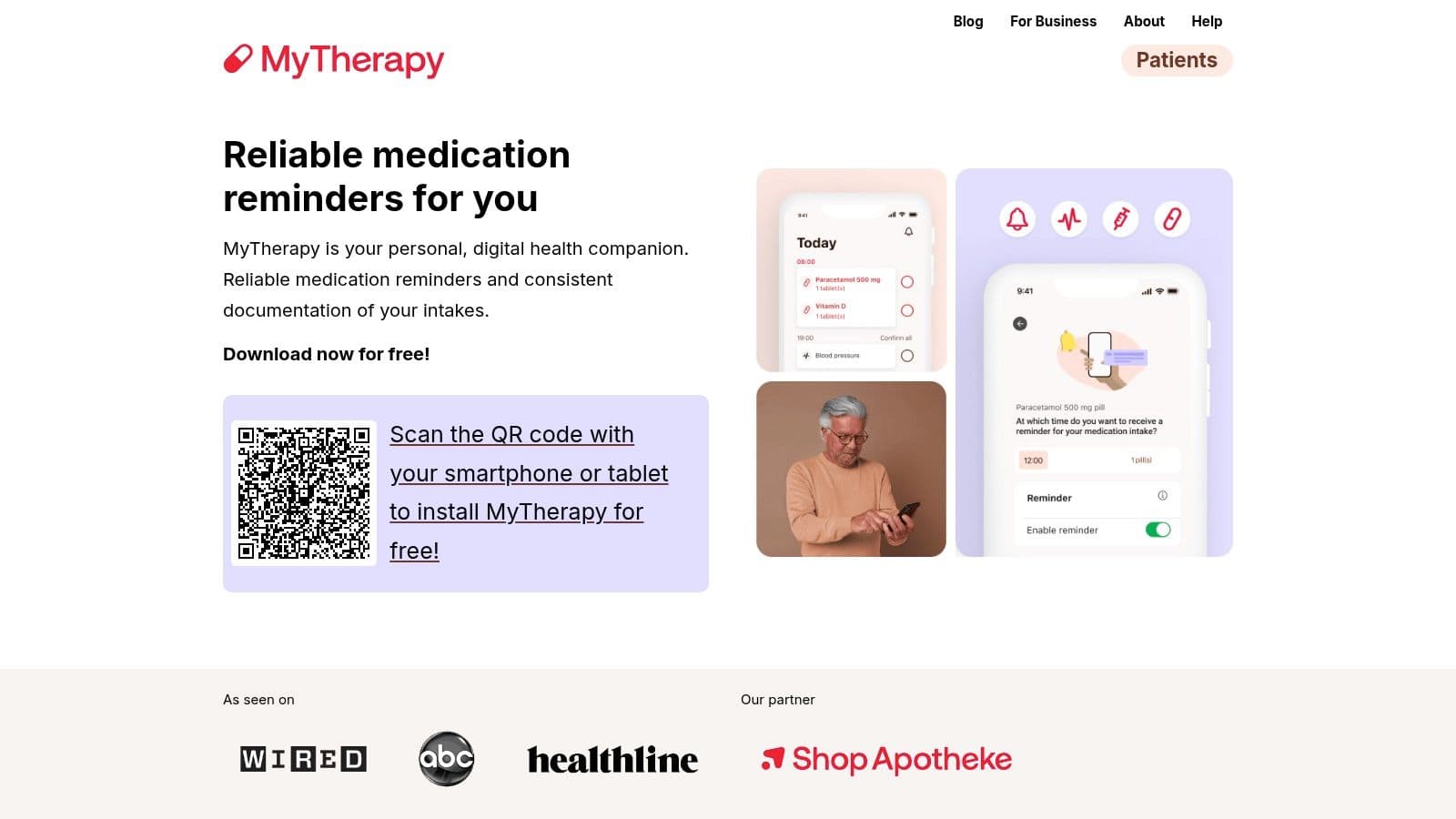
MyTherapy sits between a straightforward pill reminder and a broader health diary. It combines medication schedules and refill prompts with symptom, mood, pain, and health-measurement logging, making it useful if you want more context without building a highly specialized care plan.
For migraine management, that middle ground can be helpful. You can record pain and symptoms near medication events, then create printable or shareable reports for a healthcare visit. Those records won't establish a cause by themselves, but they can make conversations more concrete than trying to reconstruct several weeks from memory.
Best for simple health journaling
MyTherapy is approachable for users who want adherence tracking plus basic documentation. Apple Watch support works through iOS notifications, so it can still fit an Apple-centered routine without requiring a separate watch-first workflow.
Its migraine limitation is depth. A general symptom log may not capture every detail you care about, such as aura characteristics, prodrome, postdrome, light and sound sensitivity, attack duration, or environmental exposure. You can still use it alongside a dedicated migraine tracker, but maintaining two records creates extra friction.
The evidence on app usability supports keeping that burden low. A systematic review reported that 91.7% of participants were satisfied with all aspects of the apps, 89.4% found them easy and user friendly, and 84.5% felt the apps improved independence. Those figures come from a review summarized in the Journal of Managed Care and Specialty Pharmacy, and they point to a practical design lesson: a tracker you can use consistently may be more valuable than one with an impressive but exhausting feature list.
MyTherapy is a sensible fit if you want medication reminders, basic symptom journaling, measurements, and clinician-facing reports. Optional premium or ad-free elements may require in-app purchases, so check the current App Store terms. If you want migraine forecasting and pattern analysis rather than general health documentation, compare that workflow with Relief's migraine tracking approach.
5. Dosecast by Montuno Software
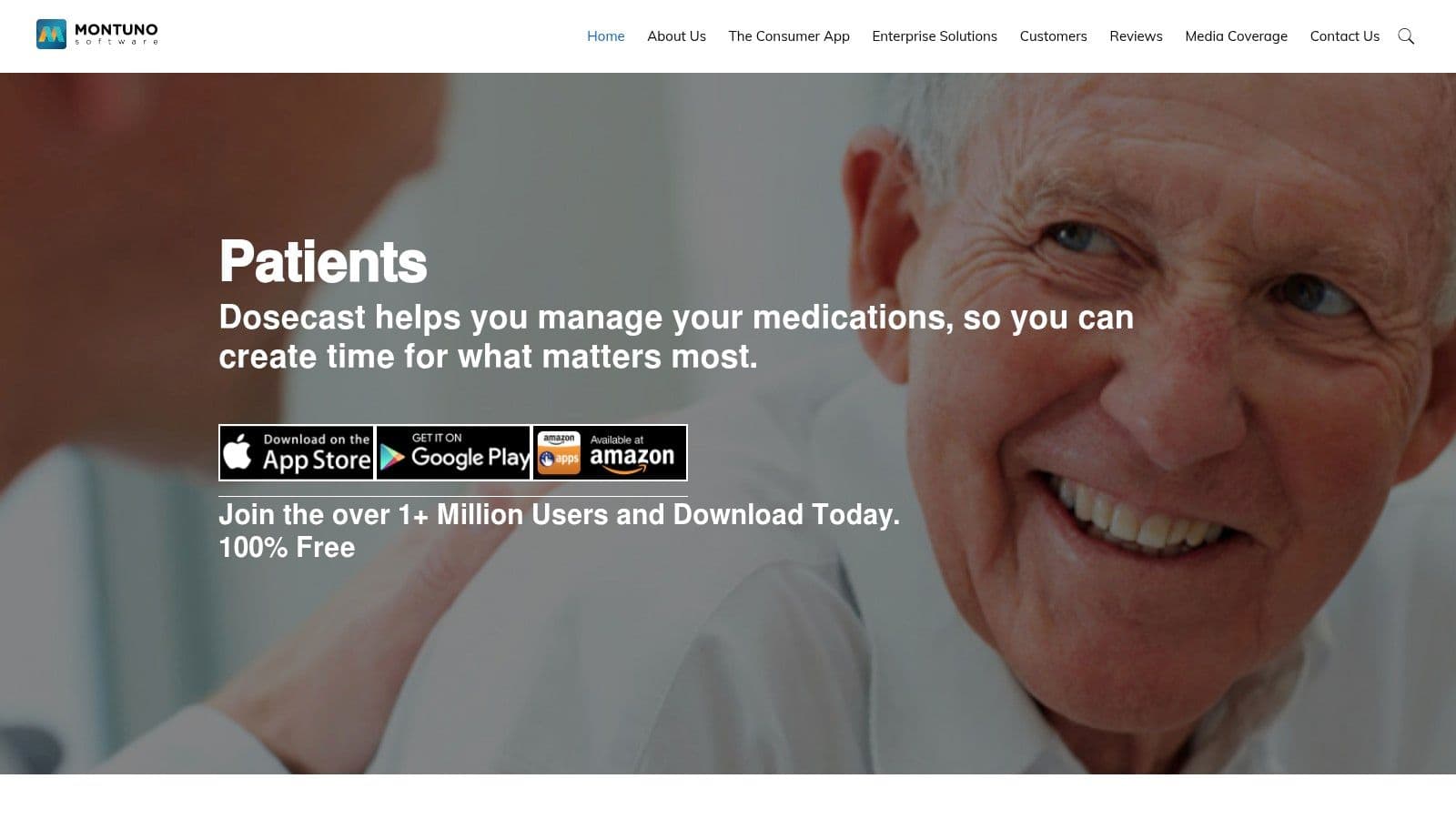
Dosecast is aimed at schedules that don't fit neatly into a morning, afternoon, and evening pattern. It supports configurable intervals, dose windows, food instructions, quantities, and complex regimen rules, with CloudSync for keeping information aligned across devices.
That granularity matters when timing instructions are central to your routine. A migraine sufferer may need to document not only whether medication was taken, but also which scheduled window applied and whether food instructions were part of the plan. Dosecast gives those details more room than a minimal reminder tool.
Best for precise timing
The app also supports Apple Watch notifications and cross-device synchronization. CloudSync can be useful if you switch devices or travel between time zones, although you should still verify that notifications behave as expected after changes to settings, Focus modes, or device permissions.
Dosecast is more utilitarian than modern diary-style apps. That can be a benefit if you value control over visual polish, but it may feel demanding when you're dealing with migraine-related fatigue, brain fog, or sensory sensitivity. Setup takes care, and a highly configurable schedule can become another burden if your regimen is simple.
Before you rely on any reminder: Enter one real schedule, test the alert, mark a dose as taken, and check that the history records the action the way you expect.
Dosecast doesn't offer Relief's combination of environmental signals, personal migraine patterns, and risk forecasting. It also isn't designed to replace a symptom diary. Its role is narrower and clearer: precise medication timing, quantities, instructions, and synchronized reminders.
Premium scheduling and synchronization features require a subscription. Review the current details through the Montuno Software website and the relevant App Store listing. Dosecast is the best match here when schedule precision matters more than migraine insight or a polished journaling experience.
6. Drugs.com Medication Guide
Drugs.com Medication Guide is less a dedicated adherence dashboard and more a medication reference tool that includes basic management features. It provides a personal medication list, reminders and alerts, an interaction checker, side-effect information, a pill identifier, FDA alerts, a price guide, and nearby pharmacy search for users in the United States.
That makes it particularly useful when medication safety information is the immediate concern. If your treatment changes and you need to organize a list or prepare questions about interactions and side effects, having reference tools beside the reminder function can be convenient.
Best for medication information
The app's emphasis differs from Medisafe and Dosecast. It isn't primarily built around caregiver oversight, intricate timing logic, or longitudinal adherence analytics. It also doesn't connect medication events to migraine-specific symptoms, triggers, weather, or attack phases.
That distinction is important because a reference tool can inform a discussion with your healthcare provider, but it shouldn't be used to independently change treatment. Side-effect descriptions and interaction results need clinical context, especially when several conditions or treatments are involved.
The free version is ad-supported, and its price guide and pharmacy functions are oriented toward the United States. Interface priorities also favor reference content, so users who want a quiet, single-purpose reminder may find the experience busier than Apple Health.
Use Drugs.com when you want medication information and safety checks alongside a basic list and alerts. Keep a separate migraine diary if you need to examine patterns involving aura, prodrome, postdrome, pain intensity, or environmental conditions. The current feature set is available through the Drugs.com apps page, but app content and regional functions can change.
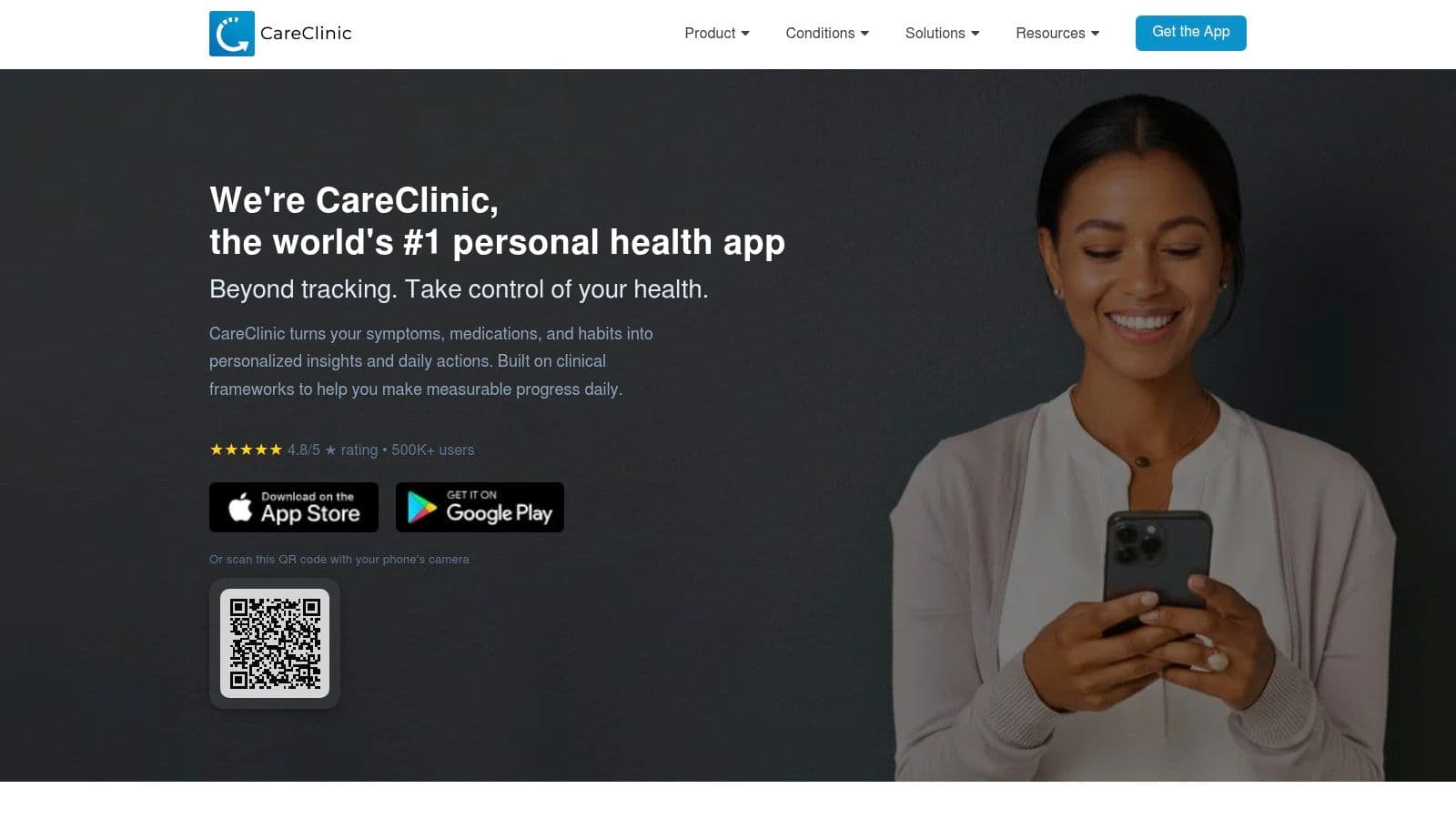
7. CareClinic
CareClinic is the broadest all-in-one tracker in this list. Alongside medication schedules, food instructions, and refill tracking, it supports symptoms, mood, vitals, nutrition, activity, care plans, caregiver sharing, charts, and PDF reports for appointments.
That breadth can help if migraine exists alongside other ongoing health concerns. Rather than separating medication data from mood, symptoms, measurements, and daily routines, you can organize those records in one care-plan environment.
Best for whole-health documentation
CareClinic's reports may be useful when you want to arrive at a healthcare visit with an organized record instead of scattered notes. You can document symptom changes and medication events together, then share a summary for discussion. The report is a communication aid, not a diagnosis or a substitute for clinical judgment.
The downside is setup. A system that includes nutrition, activity, mood, vitals, and care plans asks you to make more decisions before it becomes useful. That may suit someone managing several conditions, but it can overwhelm a person who only wants one reliable medication reminder during a migraine-heavy week.
Older adults and people with limited technology confidence deserve particular consideration. Research on electronic medication reminders found that interface complexity can make smartphone-based systems less approachable, while later interface research identified preferences such as multimodal reminders, adaptable font and layout, single-tap confirmation, and smartphone to smartwatch coordination. Those findings are discussed in the Springer study on electronic medication reminders, and they reinforce a simple test: if recording a dose feels difficult, the app's breadth isn't helping.
CareClinic is the better choice for complex, whole-health records and shareable care plans. Many advanced features sit behind a Premium subscription, so check the current App Store listing and the CareClinic website before entering extensive data. For focused migraine forecasting and faster attack logging, Relief is more targeted.
Top 7 iPhone Medication Tracker Apps, Comparison
| App | 🔄 Implementation complexity | ⚡ Resource requirements | ⭐📊 Expected outcomes | 💡 Ideal use cases | ⭐ Key advantages |
|---|---|---|---|---|---|
| Relief | 🔄 Moderate, on-device ML + environmental fusion; quick user logging | ⚡ iOS only; Apple Health (optional); network for weather/air-quality | ⭐📊 Hourly migraine risk forecasts (probabilistic; improves after ~10–30 logs) | 💡 Migraine sufferers wanting predictive, privacy-first forecasting | ⭐ Environmental + personal fusion, on-device privacy, trend analytics |
| Apple Health – Medications | 🔄 Low, built into iOS with minimal setup | ⚡ iPhone/Apple Watch; Health framework (no extra apps) | ⭐📊 Basic reminders, history; US-only label scan & interaction alerts | 💡 Users preferring native reminders and tight platform privacy | ⭐ Seamless iOS/Watch integration; private within Apple Health |
| Medisafe | 🔄 Low–Moderate, user-friendly, caregiver features add steps | ⚡ iOS; optional Premium for advanced features | ⭐📊 Strong adherence support, refill reminders, caregiver notifications | 💡 Complex regimens or shared care with caregivers | ⭐ Mature adherence toolset; robust shared-care features |
| MyTherapy | 🔄 Low, straightforward meds + symptom logging | ⚡ iOS; optional in-app purchases/ad-free | ⭐📊 Medication reminders plus symptom/vital logs and clinician reports | 💡 Users who want simple health journaling plus adherence | ⭐ Balanced reminders and health logging; printable/sharable reports |
| Dosecast (Montuno Software) | 🔄 Moderate–High, very granular scheduling rules to configure | ⚡ iOS; CloudSync (account/subscription for sync); Apple Watch | ⭐📊 Precise timing adherence across devices and time zones | 💡 Users needing exact intervals, dose windows, or travel resilience | ⭐ Extremely flexible scheduling; reliable cloud sync |
| Drugs.com Medication Guide | 🔄 Low, reference-first with basic management features | ⚡ iOS; internet for database; free version ad-supported | ⭐📊 Deep safety checks and interaction alerts; basic adherence tools | 💡 Users prioritizing drug information, interactions and pill ID | ⭐ Comprehensive drug database, interaction checker, pill identifier |
| CareClinic | 🔄 Moderate–High, broad feature set and initial setup | ⚡ iOS; optional Premium for full features; data sharing for reports | ⭐📊 Comprehensive care logs, care plans, and clinician-ready reports | 💡 People managing chronic or multi-metric conditions | ⭐ All‑in‑one health diary with care plans and shareable reports |
Choose the Tracker You'll Actually Use
There isn't one universal best medication tracker app for iPhone because medication adherence and migraine insight solve different problems. If your main need is a dependable, low-friction reminder on iPhone and Apple Watch, start with Apple Health. It offers the tightest native integration and avoids adding another app to your routine.
Choose Medisafe if caregiver notifications, refill reminders, interaction checking, and shared adherence matter most. Choose Dosecast if your medication timing is intricate and you need flexible intervals, dose windows, food instructions, or cross-device synchronization. Choose MyTherapy if you want a simpler blend of medication reminders and general symptom or measurement logging.
CareClinic makes more sense when you need an all-in-one health diary with care plans and appointment reports. Drugs.com is the strongest fit when medication reference information, interaction checks, pill identification, and United States-oriented pharmacy tools matter more than advanced adherence analytics.
Before choosing, test the workflow you'll use:
- Reminder flexibility: Confirm that the app supports your schedule, snooze behavior, follow-up prompts, and any food instructions you need to record.
- Apple Health permissions: Check exactly which health data an app requests, what it reads, and what it writes before you approve access.
- Notification preferences: Verify iPhone and Apple Watch alerts, Focus mode behavior, sound settings, and whether reminders become too frequent.
- Privacy terms: Read the current policy and understand whether identifiable health information leaves your device or is shared with caregivers.
- Region-specific features: Interaction alerts, label scanning, pharmacy tools, and air-quality layers may vary by location.
- Current pricing: Review the relevant App Store listing because subscriptions, in-app purchases, and premium features can change.
A migraine diary should include more than pain. The NHS migraine guidance explains that a diary can help identify personal attack triggers, while the American Migraine Foundation recommends recording details such as location, intensity, quality, aura, nausea, vomiting, and light or sound sensitivity. Those records can help you and your healthcare provider discuss patterns without assuming that a trigger is universal.
Medication overuse is another reason to track carefully rather than react to an app's suggestion. Mayo Clinic describes medication-overuse headache in the context of headaches on 15 or more days per month for more than three months alongside excessive use of headache medicine, and advises seeking help if you need headache medicine more than twice a week. Read the Mayo Clinic guidance on medication-overuse headache, and don't change, stop, or adjust medication based on an app alone.
Reminder technology also has limits. A feasibility trial involving older adults with heart failure reported an overall adherence rate of 78%, while reminder-based systems didn't improve adherence compared with passive devices, suggesting that motivation and other barriers can matter as much as notification timing. A PubMed record for that trial supports a cautious conclusion: reminders can support a routine, but they don't solve every reason someone misses medication.
Seek immediate medical care for a sudden severe headache, a headache with fever or stiff neck, neurological changes, or a headache after a head injury. This article is for informational purposes and is not medical advice. Consult a healthcare provider for personalized guidance.
This guide is general information, not medical advice, and it isn’t a diagnosis. Talk to your doctor about your own headaches.